
Every change is used before it reaches you
After the review passes, QA works through what the ticket promised — the way the change will actually be used — and attaches the proof to the ticket: screenshots for a screen, real requests and output for everything else.
Give the reports page any date window
Use the page. See what QA sees.
This build has a quiet bug — the kind a quick look lets through. Click the ranges the way QA does: its notes fill in as you go.
No screen? It still gets used.
One of our own changes had no interface at all: a new API endpoint and the command that reads it. QA set up a test project, called the endpoint the way a client would and ran the command — including when things go wrong. Pick a check to see its output.
ps --help asks for a config file first. Not in the ticket — so a note, not a failure.From the blog
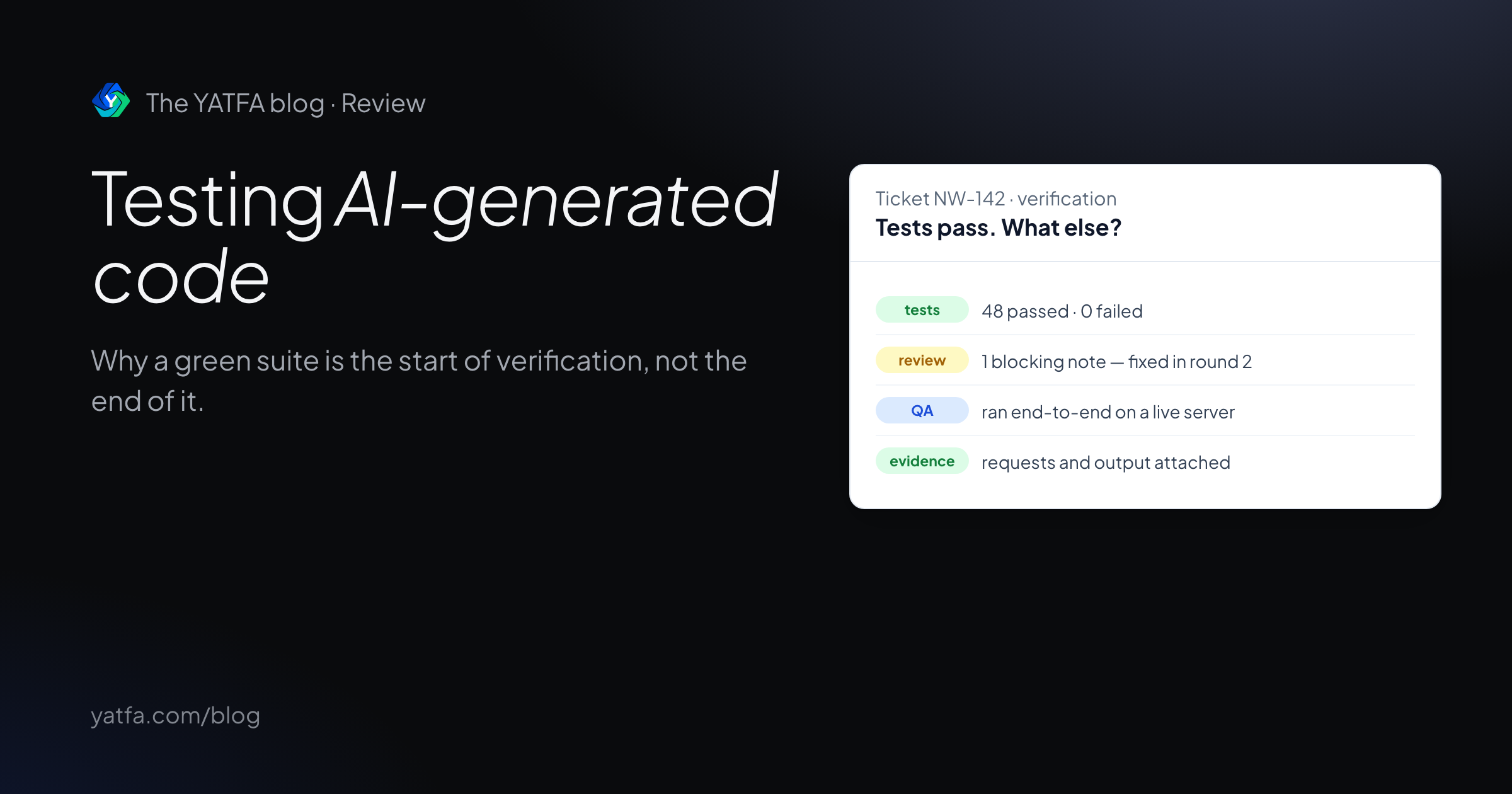
Testing AI-generated code: why green tests are not enough
Research on weak tests and false greens in AI coding benchmarks, what to verify beyond a passing suite, and a ticket where QA caught what specs missed.
Read the article →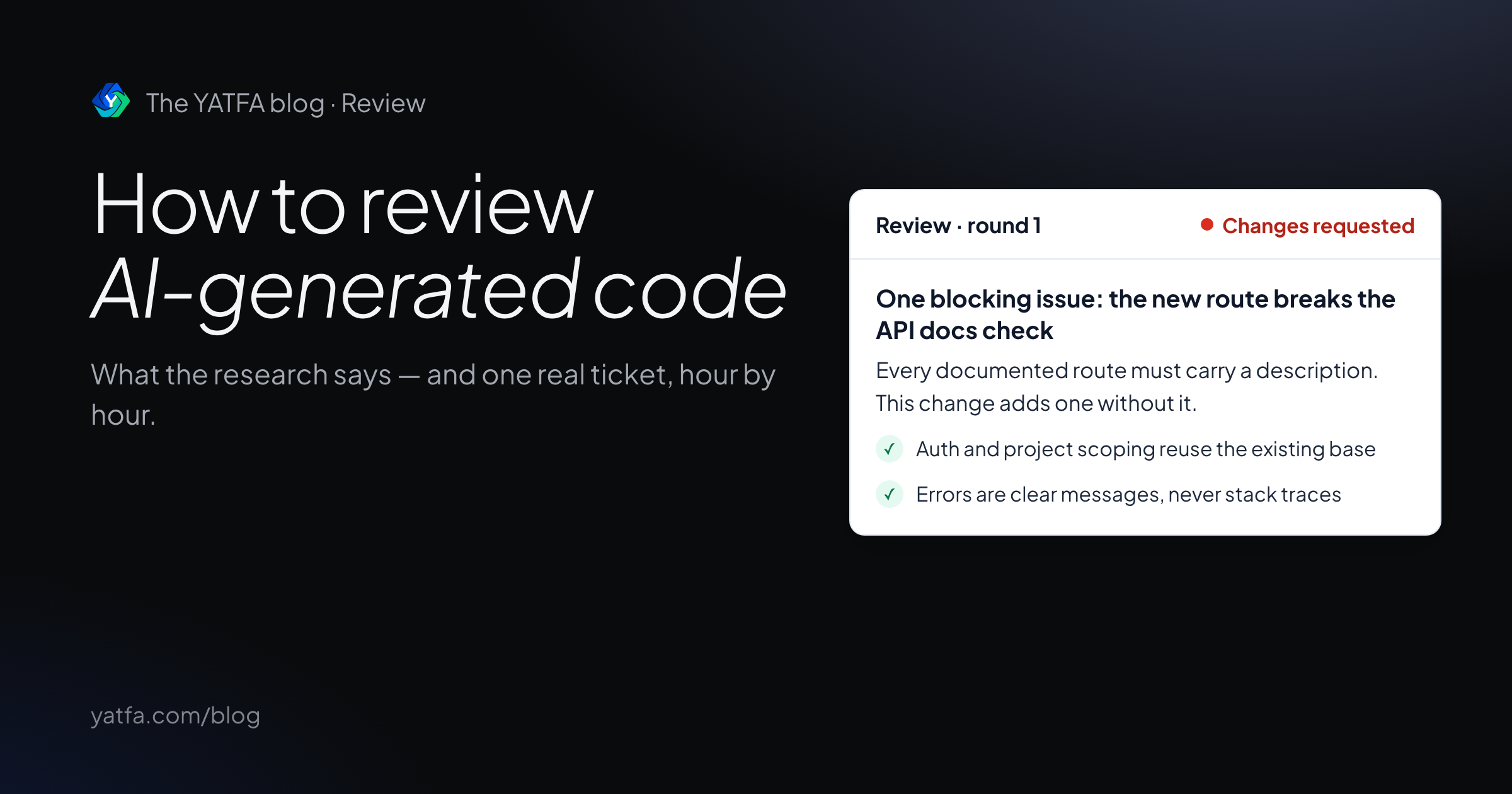
How to review AI-generated code
What five studies say about AI-written code, ten review practices with sources, a checklist, and one real ticket reviewed hour by hour.
Read the article →