
What shipped in September 2026
September 2026 in YATFA: a web terminal you can work in, one canvas for visual drafts, links between any two records, and more.
On this page
In short: September was the month the web terminal became a place to work, not just to watch. You can now type into an agent's live session, resize it on purpose, copy from it and open several side by side. Visual drafts moved onto one canvas, any two records can be linked, investigations became searchable and easier to run, and agents on your own machines now report what resources they use. Everything below shipped to main between 1 and 24 September 2026, with dates in UTC.
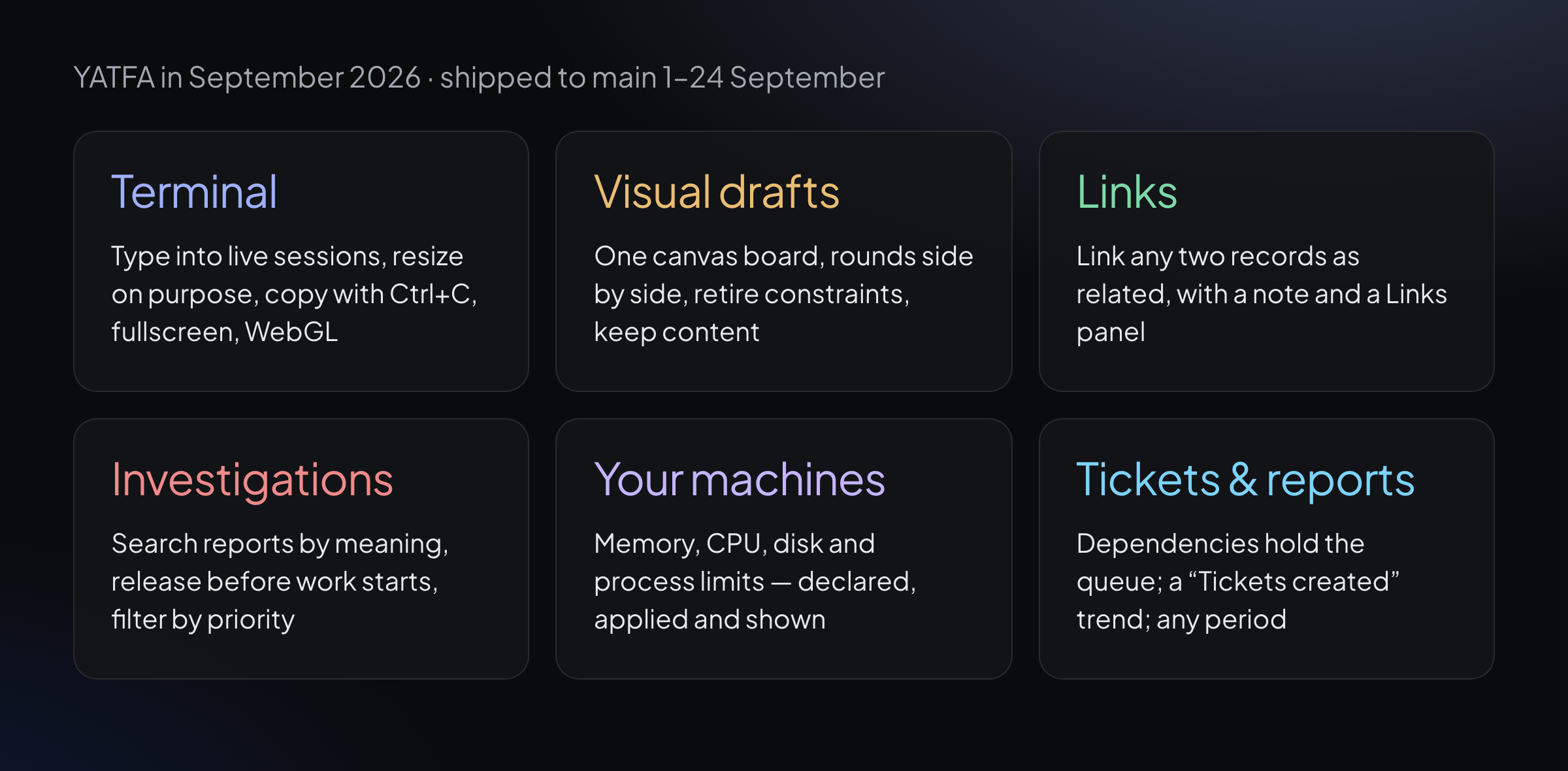
The month in six areas. Each one has its own section below.
September at a glance
| Date | Area | What changed |
|---|---|---|
| 1 Sep | Tickets | Tickets that wait on other tickets stay out of the work queue until those are done |
| 1 Sep | Investigations | Published investigation reports can be searched by meaning |
| 3 Sep | Visual drafts | One canvas board: each live design with its screenshots below it |
| 9 Sep | Reports | A "Tickets created" trend sits next to completions |
| 11 Sep | Your machines | Memory, CPU and process limits are applied when an agent starts |
| 13 Sep | Terminal | Keystrokes go straight into the agent's live session |
| 17 Sep | Terminal | A session's size changes only when you mean it to |
| 20 Sep | Terminal | Fullscreen, a contrast-checked colour palette and a remembered font size |
| 24 Sep | Links | Any two records can be linked as related, with a note |
| 24 Sep | Terminal | The terminal renders through WebGL, with a fallback |
The web terminal: from watching to working
At the start of September the web terminal showed what an agent was doing. By the end of the month you could work in it.
| Date | Change |
|---|---|
| 11 Sep | The browser can resize the agent's real session, not only the view of it |
| 12 Sep | On reconnect, the terminal replays the session's recent output, so you land where the agent is |
| 13 Sep | Type into the terminal: keystrokes go straight to the agent's session |
| 15 Sep | Anyone allowed to write to a terminal can type into it, with no extra step |
| 16 Sep | Ctrl+C copies the selection when there is one, and still interrupts when there is not |
| 17 Sep | Opening a tab, collapsing a sidebar or resizing the window no longer resizes a live session, and no session is ever shrunk below 20×5 |
| 18 Sep | "Resize to fit" reshapes the session to your window in one press; dragging the grip resizes as you drag; a narrower screen scrolls sideways at the session's real width |
| 19 Sep | The small terminal cards on the grid and in the agents list are real terminals: they accept input and Resize to fit. Keystrokes are pushed to the session instead of polled, and heavy output no longer wipes and redraws the screen |
| 20 Sep | A fullscreen button, a 16-colour palette checked for contrast, a font-size stepper that is remembered, and a default height based on your screen |
| 24 Sep | Rendering moves to WebGL, with the previous renderer as a fallback where WebGL is unavailable |
Also in September: a multi-pane terminal workspace, where you open any number of live agent terminals side by side, resize them freely and expand one when you need focus.
Visual drafts: one canvas for every round
A visual draft is a set of interface options rendered from the real application, so you can compare them as they would ship. September reshaped how a round of drafts is reviewed.
| Date | Change |
|---|---|
| 1 Sep | Each design round comes back with the agent's own account of what was done, what could not be done and what it decided for you |
| 3 Sep | The screenshot board and the live-design board merge into one canvas. Each column shows a live design with its screenshots below; any frame can be sized to a real viewport, by preset or by dragging |
| 4 Sep | Choosing an alternative moves the board to its column, and full screen keeps the controls |
| 5 Sep | Standing design constraints can be retired one at a time. A Rounds view puts the newest round beside the previous one, with the instruction that produced it |
| 6 Sep | Rejecting an alternative's style can keep its content for the next round |
Also in September: each direction is now produced on its own pass and deliberately diverges from the ones already there, so a round cannot quietly become three variations of one idea. The brief moved into a tab, so the decision sits next to the design you are looking at.
Links between any two records
Since 24 September, any two tickets, proposals, roadmaps, investigations, visual drafts or demo requests can be linked as related, with an optional note. Each record page shows a Links panel, and a separate page lists the most-linked records and the ones linked to nothing. Agents can create and read the same links, so the connection you draw between two pieces of work is visible to everyone who picks either of them up.
Investigations: searchable, and easier to run
An investigation answers a question about your codebase or product with a written report and its evidence. In September they became easier to find, steer and trust.
| Date | Change |
|---|---|
| 1 Sep | Published reports can be searched by meaning, across title and summary, and a person can send a report back for rework from the web |
| 2 Sep | The investigations index becomes a single dense table, and published reports expire after 90 days by default so stale findings don't linger |
| 3 Sep | Investigations that are stuck or blocked appear in the "Waiting for you" queues |
| 4 Sep | A person can publish a report through the same verified path agents use, and set its priority |
| 5 Sep | The index can be sorted and filtered by priority |
| 8 Sep | A new investigation starts as proposed, and work begins only after a person releases it |
| 11 Sep | Every report is checked against its own evidence and for filler before it is published |
Agents on your own machines: resources you can see
If your agents run on your own machines, September made their resource use visible and their limits real.
| Date | Change |
|---|---|
| 1 Sep | The agents page shows whether each running agent has received the current project environment |
| 4 Sep | Each agent reports its memory and process counts, and out-of-memory kills are recorded |
| 5 Sep | A 24-hour history of each agent's consumption, plus CPU use with a throttling verdict |
| 7 Sep | Machine rows show disk use with a 24-hour trend, and each agent names its largest memory consumers |
| 9 Sep | Machines report their total memory and cores, and each agent's declared limits are shown beside what it actually used |
| 11 Sep | Declared memory, CPU and process limits are applied when an agent starts; machines report free memory and load |
| 12 Sep | Out-of-memory deaths, the hour of use before them, CPU throttling and process-limit exhaustion appear on the agent's page |
Tickets and reports
On 1 September, tickets that depend on other tickets started waiting properly: they stay out of the work queue, and out of the queues that ask for your attention, until the tickets before them are done. On 9 September, Reports gained a "Tickets created" trend beside completions, so you can see whether a backlog grows because more arrives or because less gets done. Also in September: reports for any period, with presets and a custom from–to window, where the totals, the trend and the calendar always describe the same period.
Where product updates live now
From October, product updates are published here on the blog, one post a month, in the Product category. They replace the changelog page. For how the work behind these changes is reviewed and tested, see how to review AI-generated code.
YATFA builds an engineering organization around AI coding agents: work found in your codebase, review by an agent that didn't write the change, QA with proof, and knowledge that stays current. See everything it does, or start free.
Keep reading
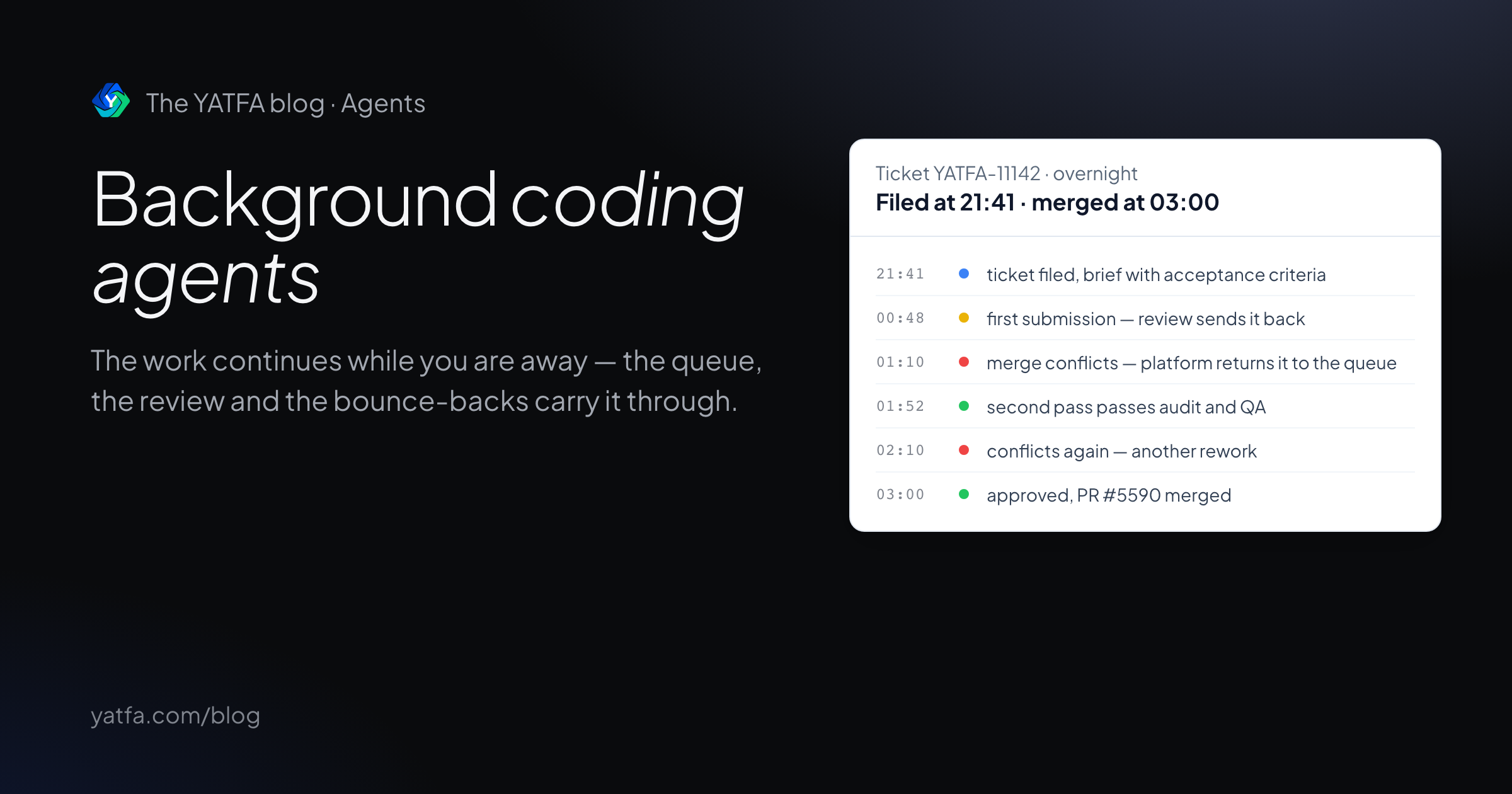
Background coding agents: how unattended work ships reviewed PRs
What happens between the task and the pull request, what the tools' own docs promise, and a ticket that passed review, bounced on merge conflicts, and merged overnight.
Read the article →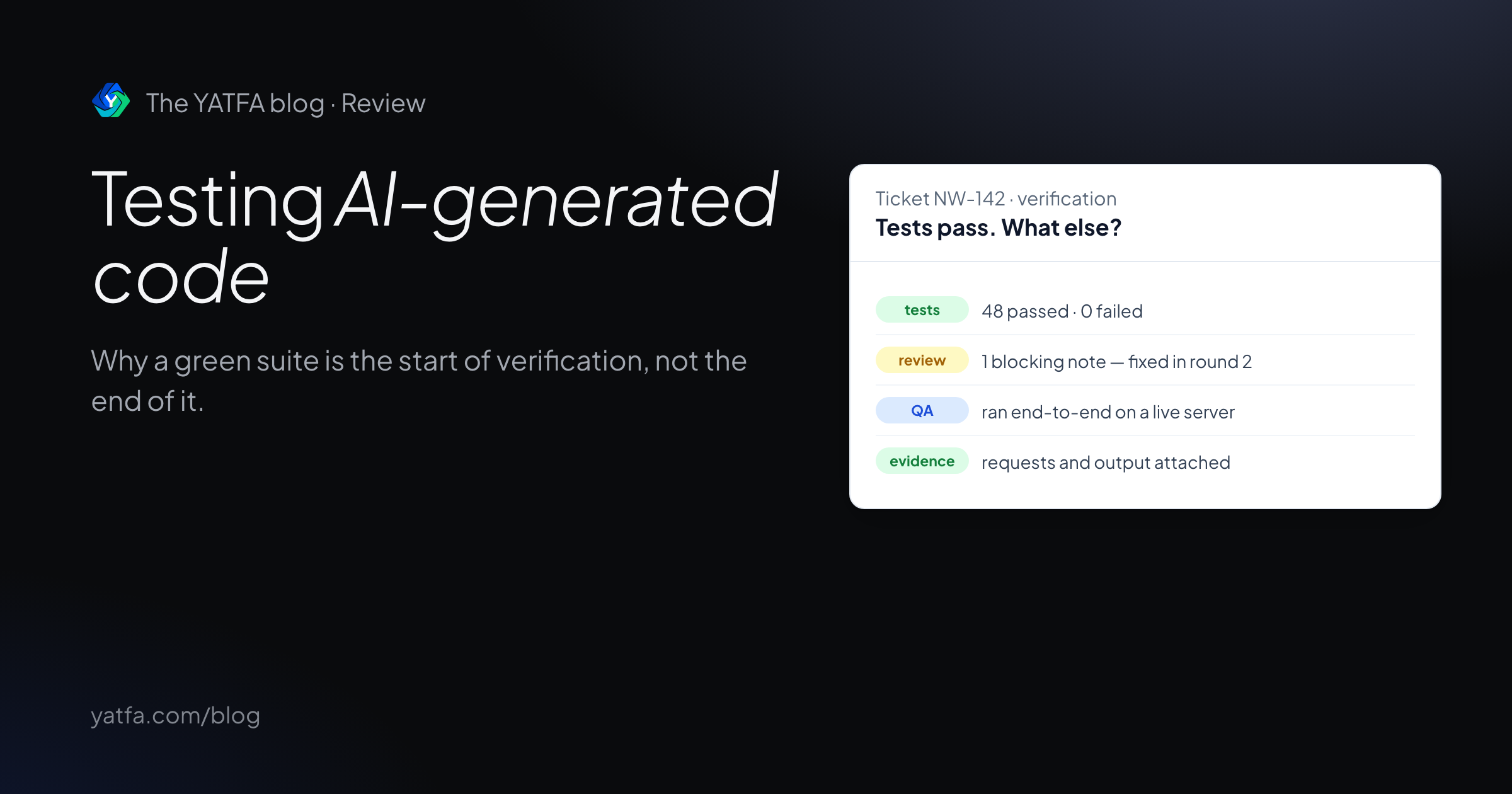
Testing AI-generated code: why green tests are not enough
Research on weak tests and false greens in AI coding benchmarks, what to verify beyond a passing suite, and a ticket where QA caught what specs missed.
Read the article →